
Home
Play with Code
HTML → CSS → JavaScript → Your website
Build your first website, step by step
Learn through short lessons and practical exercises. No experience needed. Start with one heading and finish with a website about something you enjoy.
One project, five stages
- First success: edit, run and save a page.
- HTML: give your hobby page structure.
- CSS: style it and make it fit a phone.
- JavaScript: add a useful interaction.
- Final project: build, test and publish.
Code explanations
How do you code in HTML?
Explanation of some web terms and website codes. Learn how to
build the structure of a web page with headings, paragraphs,
images and links.
Go to HTML explanation →
How do you code in CSS?
Learn how to style your page with colors, fonts, borders and
layouts using CSS.
Go to CSS explanation →
How do you code in JavaScript?
Discover how to make pages interactive with simple JavaScript:
buttons, forms, visible messages and small scripts.
Go to JavaScript explanation →
Recommended resource
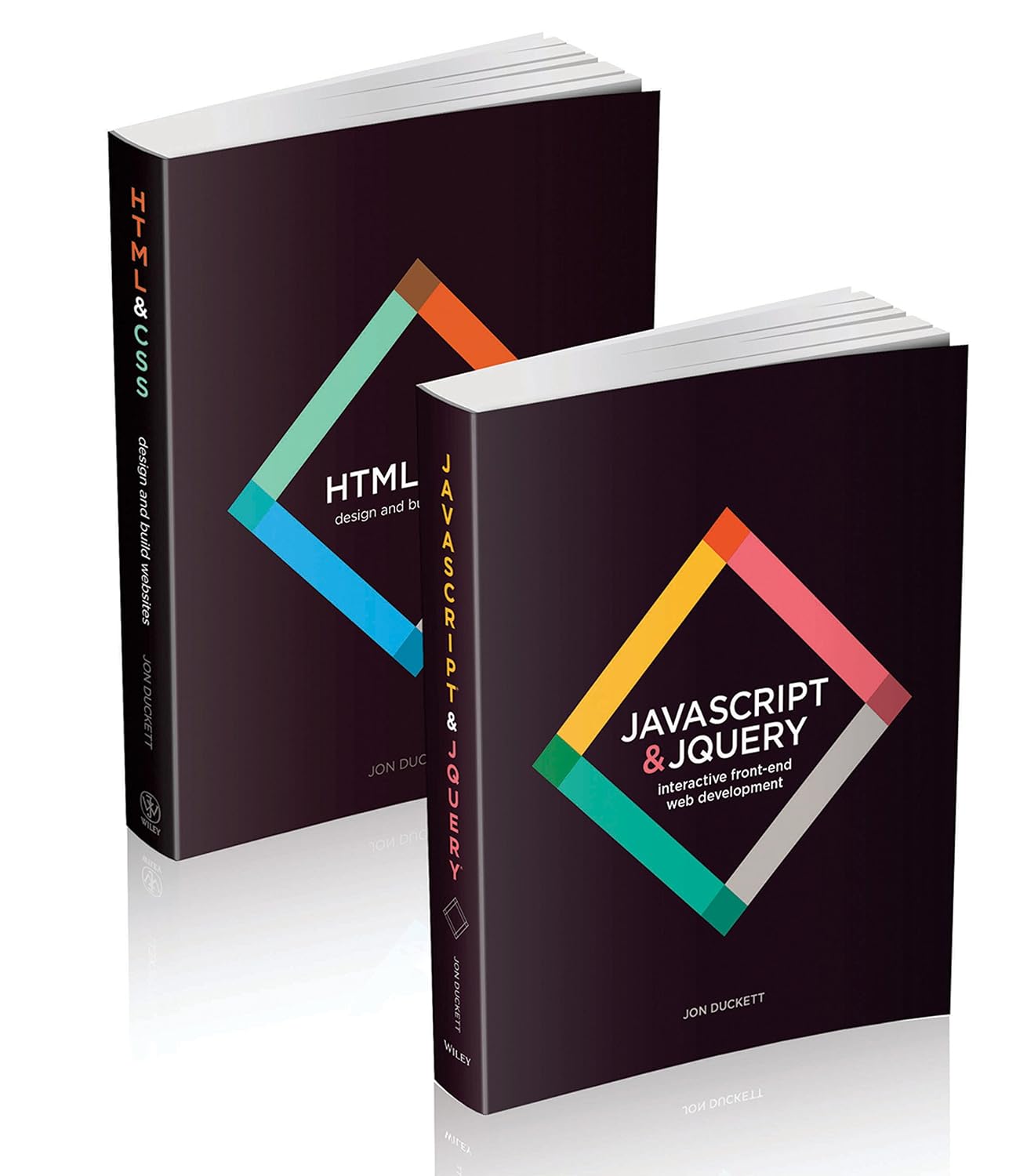
Web Design with HTML, CSS, JavaScript and jQuery Set
English edition · by Jon Duckett
A visual guide to building websites with HTML, CSS, JavaScript and jQuery.
Advertisement
As an Amazon Associate I earn from qualifying purchases.
Play with code
Play online with HTML, CSS and JavaScript code. Choose Open in Sandbox beside an example to load its start code, then edit it and choose Run Code to see what happens.
HTML code to play with
Simple HTML examples you can open in the Sandbox:
headlines, paragraphs, lists, tables, images and links.
Go to HTML codes →
CSS code to play with
Examples of CSS rules to change colors, fonts, borders and
layout. Try them in the Sandbox.
Go to CSS codes →
JavaScript code to play with
Small JavaScript examples: buttons, forms, visible messages and simple
functions you can change and test.
Go to JavaScript codes →
HTML, CSS and JavaScript Exercises
Practice with assignments and build your own pages and small
websites step by step.
Open exercises (PDF) →
More from Playcode123
Tips & tutorials
Read more about HTML, CSS, JavaScript and technology on the
blog.
To the Blog page →
Share feedback
Do you have feedback about our website? Please share it with us.