Avatar photo

Playcode123.com

Blog.Playcode123.com is a blog from Diensten2000X. Diensten2000X has years of experience in building websites and providing hands-on training in pure HTML, CSS and JavaScript. Through practical knowledge and real examples, Diensten2000X helps beginners understand how modern web pages, websites and web apps are created. This blog is connected with the portal Playcode123.com and shares useful information for visitors who want to learn more about web development.

Javascript Variables

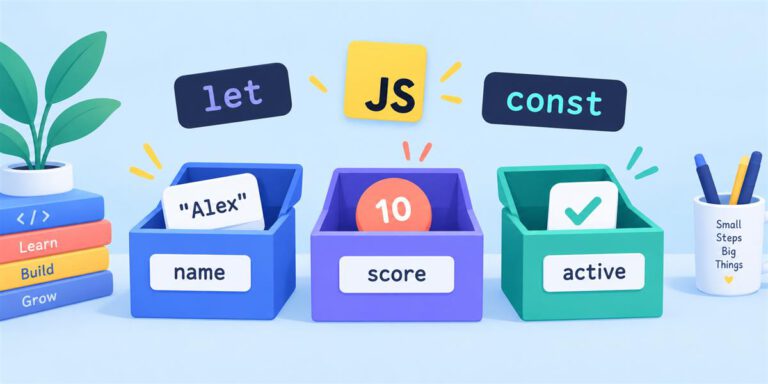
JavaScript variables storing a name, numeric score and Boolean value.

Variables give names to values so your JavaScript can remember and reuse them. In this practical example, you will store a learner’s name, completed lessons, and weekly goal, then show a progress message on the page. For the core concepts,…

HTML Form Controls: Build a Local Practice Selector

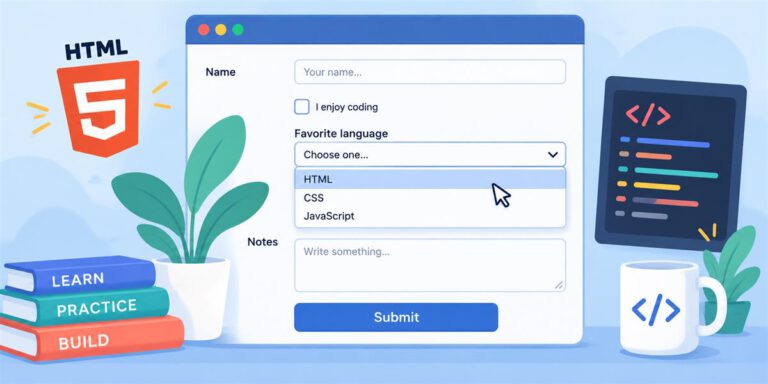
HTML form with text input, checkbox, dropdown, textarea and submit button.

Last updated: 28 August 2026 Separate examples show what each HTML control looks like. This project shows how the controls work together. After reviewing the HTML examples on Playcode123.com, build a small activity selector that displays your choices locally. This…

How to Link an External JavaScript File

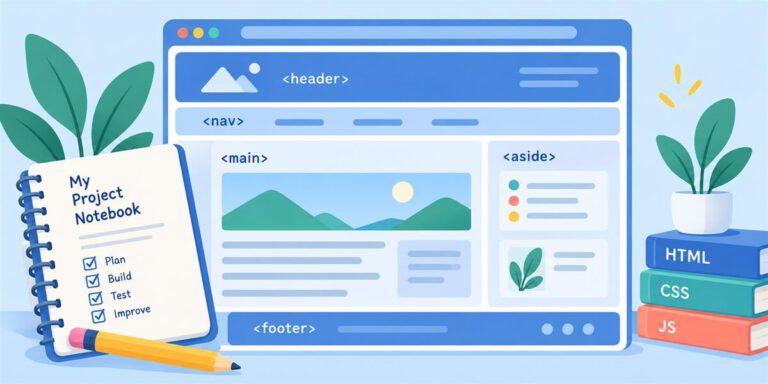
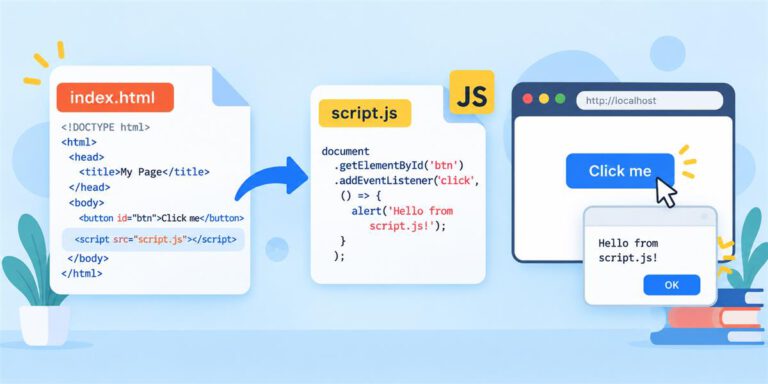
An HTML page linking to an external script.js file for interactive behavior.

A separate .js file keeps JavaScript out of your HTML and makes it easier to reuse and debug. This practical tutorial connects index.html to script.js and checks that the path works. For the core language concepts, read the JavaScript explanation…

How to Link a Separate style.css File

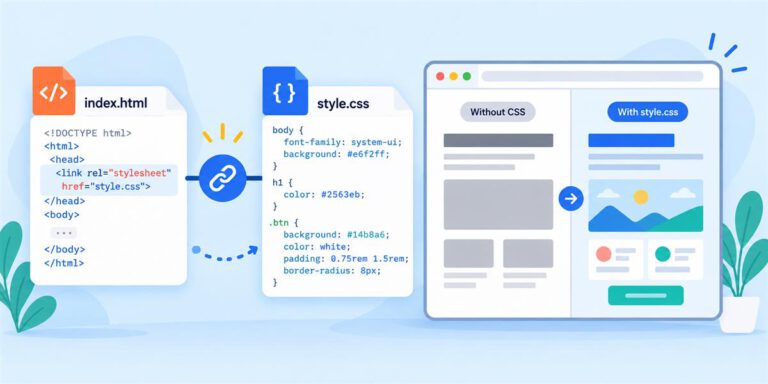
An HTML page linking to style.css to apply visual styling.

A separate CSS file keeps the structure of a webpage in HTML and its design rules in CSS. This practical tutorial shows you how to connect the two files, check that the link works, and solve the most common file-path…

Website Paths, Folders & File Names Explained

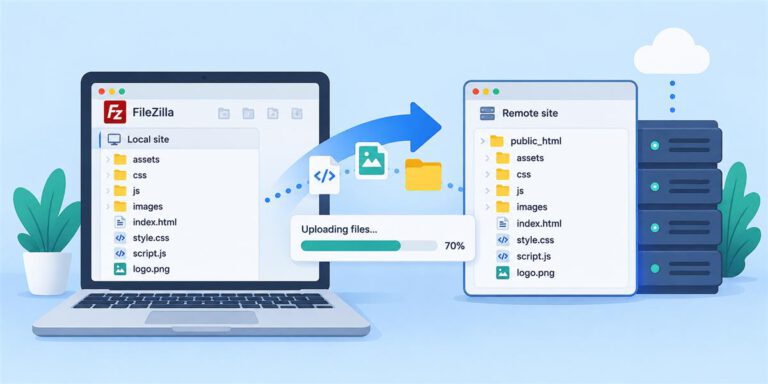
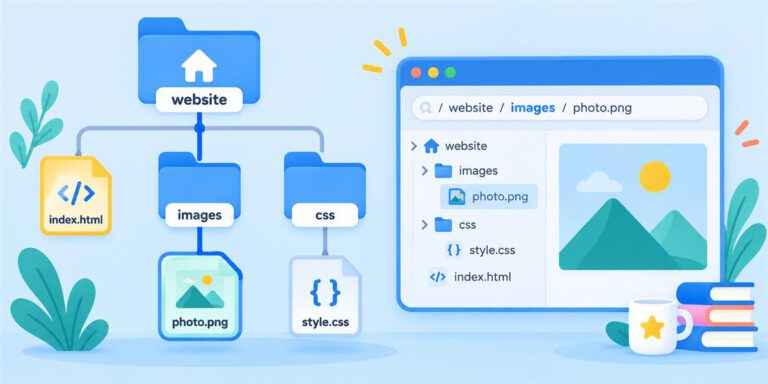
Website folder tree showing HTML, CSS and image file paths.

Many beginner website problems are not caused by HTML, CSS, or JavaScript syntax. They happen because a browser cannot find a file. Understanding folders, filenames, and relative paths helps you connect pages, stylesheets, scripts, and images reliably. Use this tutorial…

Code Editors

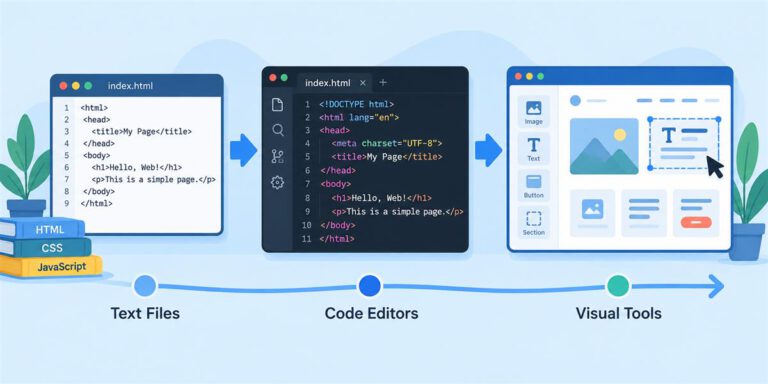
Evolution from plain text files to code editors and visual website builders.

You can build your first webpage with a simple text editor. As your projects grow, a code editor can make it easier to read your code, find mistakes, and work with several files. This guide compares three options: Windows Notepad,…