Skip to content
No results
  • Home
  • Learning Path
  • Sandbox
  • HTML
  • CSS
  • JavaScript
  • Blog
  • About
  • Contact
Diensten2000X logo
Playcode123.com
  • Home
  • Learning Path
  • Sandbox
  • HTML
  • CSS
  • JavaScript
  • Blog
  • About
  • Contact
Diensten2000X logo
Playcode123.com
  • JAVASCRIPT

Create an Interactive Button with JavaScript

Clicking a JavaScript button displays a success message.
  • JAVASCRIPT

Javascript Variables

JavaScript variables storing a name, numeric score and Boolean value.
  • Code

HTML Form Controls: Build a Local Practice Selector

HTML form with text input, checkbox, dropdown, textarea and submit button.
  • Tech

Semantic HTML in Practice: Structure a Small Project Notebook

Project notebook laid out with semantic HTML header, navigation, main, aside and footer regions.
  • Tech

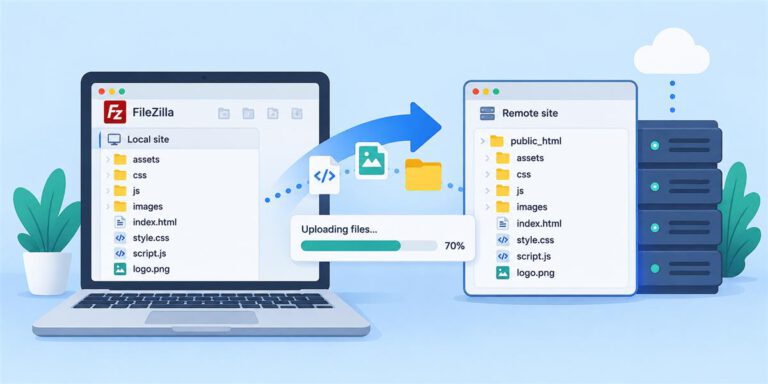
How to Upload Your Website with FileZilla: A Beginner Guide

FileZilla transferring website files from a local computer to a remote server.
  • Code

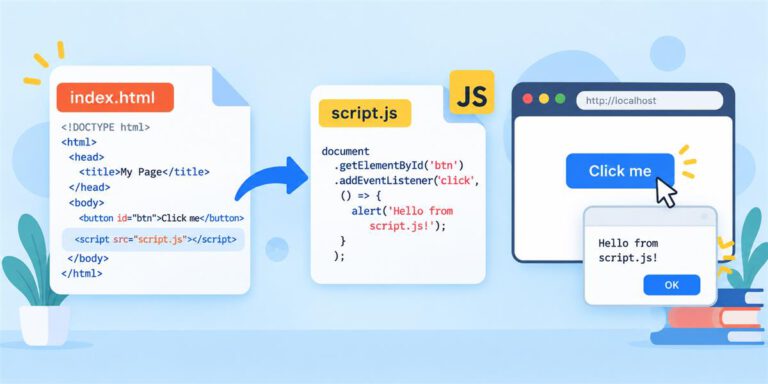
How to Link an External JavaScript File

An HTML page linking to an external script.js file for interactive behavior.
  • Code

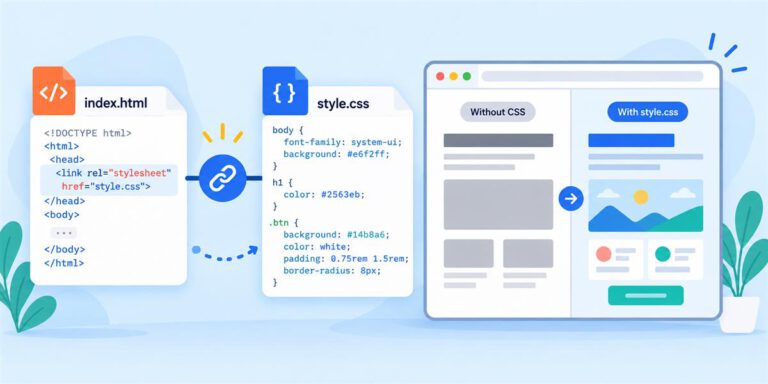
How to Link a Separate style.css File

An HTML page linking to style.css to apply visual styling.
  • Code

HTML Internal Links: Add a Working Contents List and Back-to-Top Links

Contents links jump to sections within a page, with a back-to-top link.
  • Tech

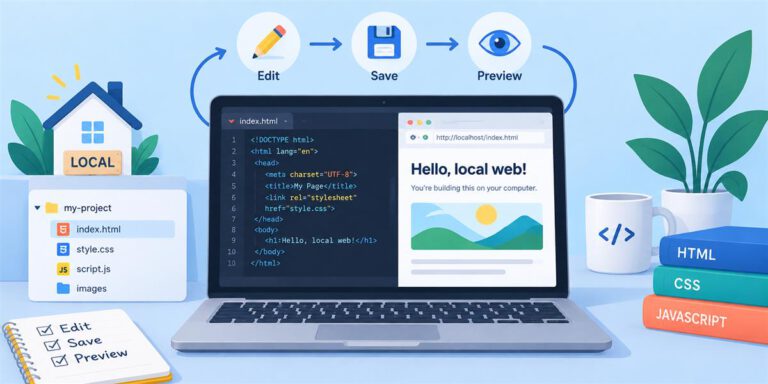
Building Web Pages Locally: A Beginner Workflow

Local website workflow showing a code editor, browser preview and edit-save-preview cycle.
  • Tech

Website Paths, Folders & File Names Explained

Website folder tree showing HTML, CSS and image file paths.
  • Tech

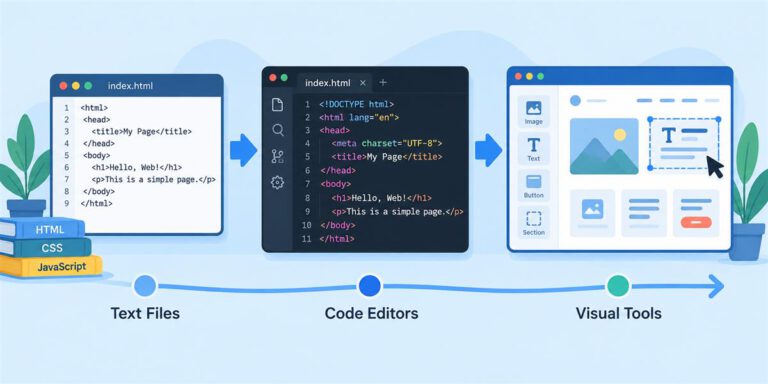
Code Editors

Evolution from plain text files to code editors and visual website builders.
Prev
1 2

Cookie policy · Privacy policy · Contact · Disclaimer

Copyright © 2026 — Diensten2000X / Playcode123.com

Manage Consent

We use necessary technologies to run Playcode123.com. With your permission, Matomo measures site use and Google advertising technologies may store or access information for advertising and measurement. Choose Accept optional cookies, Reject optional cookies, or View preferences. You can keep using our learning content if you reject optional tracking, and change your choice at any time through Privacy & cookie settings.

Functional Always active
The technical storage or access is strictly necessary for the legitimate purpose of enabling the use of a specific service explicitly requested by the subscriber or user, or for the sole purpose of carrying out the transmission of a communication over an electronic communications network.
Preferences
The technical storage or access is necessary for the legitimate purpose of storing preferences that are not requested by the subscriber or user.
Statistics
The technical storage or access that is used exclusively for statistical purposes. The technical storage or access that is used exclusively for anonymous statistical purposes. Without a subpoena, voluntary compliance on the part of your Internet Service Provider, or additional records from a third party, information stored or retrieved for this purpose alone cannot usually be used to identify you.
Marketing
The technical storage or access is required to create user profiles to send advertising, or to track the user on a website or across several websites for similar marketing purposes.

  • Manage options
  • Manage services
  • Manage {vendor_count} vendors
  • Read more about these purposes
View preferences
  • {title}
  • {title}
  • {title}